Your Messy Digital Desk Is Becoming a Career Problem
Your Messy Digital Desk Is Becoming a Career Problem Two minutes before a high-stakes client meeting, you know the link is somewhere. You saw it yesterday. Now you are frantically searching Slack, Gmail, Google Drive,...
Two minutes before a high-stakes client meeting, you know the link is somewhere. You saw it yesterday. Now you are frantically searching Slack, Gmail, Google Drive, and a chaotic row of browser tabs while a colleague asks if you are ready to present. Digital clutter feels like a private struggle, but it acts as a hidden career tax: when workers repeatedly lose files, links, notes, and decisions, they do not just waste hours each week — they signal to managers and teammates that they are not ready to handle more responsibility. The answer is not another burst of Friday-afternoon discipline, but a simple personal operating system that helps people capture, find, and act on their work without carrying the whole mess in their heads.
The Invisible Tax on Professional Trust
Consider Sarah, a senior product marketing manager at a fast-growing software company. Sarah is talented. She writes sharp copy, understands customer pain points, and regularly works long weeks to keep projects moving. Yet during a cross-functional alignment meeting, the Vice President of Product asks a simple question: “Where are we on the finalized pricing tier document?”
Sarah’s stomach drops.
She knows she finalized the document on Tuesday. But as she sits in the meeting, her mind races. Is the file in the shared Google Drive? Was it left as a draft in Notion? Did she share the link in a private Slack message, or is it sitting in her downloads folder under “Pricing_Final_v2_draft”?
The room waits.
A few seconds pass. Then a few more. The VP sighs, checks the agenda, and says, “Let’s move on and follow up offline.”
In that brief moment, the narrative about Sarah changes. The VP does not see the fifty hours of careful work, the customer insight, or the thoughtful positioning. They see a bottleneck. They see someone who may be talented, but who appears overwhelmed by the basic mechanics of her role.
That is the hidden career tax of digital clutter. Forbes, citing data from Smallpdf, reported that knowledge workers spend an average of 4.5 hours every week searching for files, emails, and links they have already accessed. Over the course of a year, that search party consumes nearly 29 eight-hour workdays.
But the time loss is only the obvious cost. The more dangerous cost is social.
A seven-minute search rarely happens in isolation. It holds up a teammate waiting for an answer. It delays a client response. It forces a manager to repeat context they thought had already been captured. When a team cannot find the decision it made last week, the first twenty minutes of the next meeting become a rerun.
Leadership teams notice this. Not because they expect perfection, but because responsibility depends on reliability. If a manager has to ask you twice for the same document, if you regularly show up unprepared because you are hunting for the agenda, or if your teammates keep creating backup copies because they are not sure you will have the right one, you are quietly building a reputation.
Not as lazy. Not as unintelligent.
As hard to trust with more complexity.
The Tool Sprawl Trap and the Myth of “More Apps”
The modern knowledge worker does not suffer from a lack of information. They suffer from a fragmentation of context.
We have been told that the answer to work chaos is better software. So we added an app for team chat, an app for tasks, an app for documents, an app for notes, an app for meetings, an app for whiteboards, an app for customer records, and an app for project timelines.
Each tool may be useful on its own. Together, they create an environment where your memory becomes the only bridge between them.
Take Elena, a freelance brand strategist managing three major client accounts. On a normal Tuesday, she is juggling feedback on a design asset in a client’s Slack workspace, a revised timeline buried in an email thread, action items from a phone call written in a notebook, and a shared Google Doc where the actual copy is being edited.
When Elena needs to make a decision, she cannot simply think. First, she has to reconstruct the state of play. What did the client approve? Which version is current? Who promised the updated brand examples? Was the deadline changed, or was that just discussed?
This is not a discipline problem. It is a structural problem.
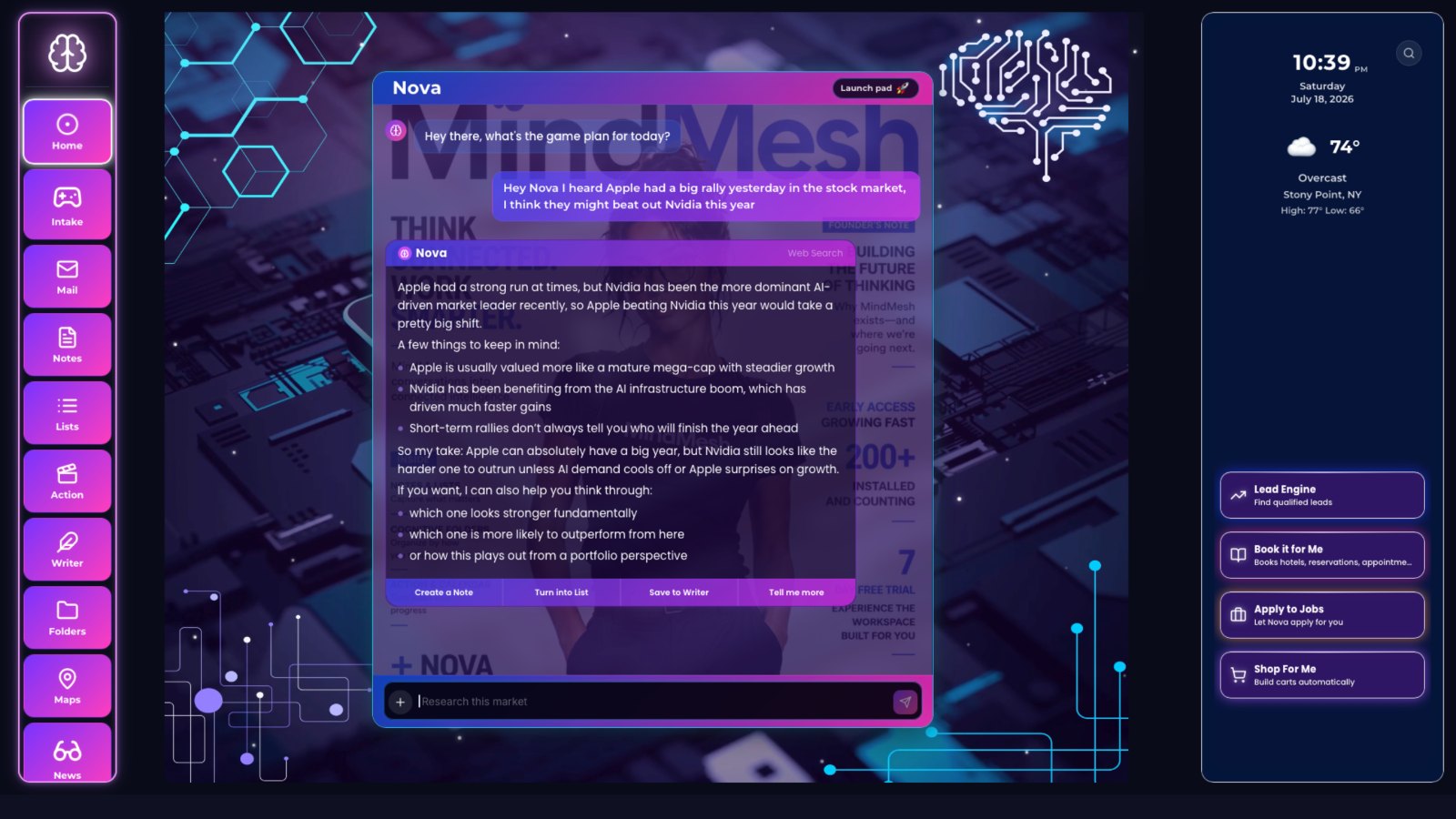
Professionals do not need one more app that becomes another place to check. They need a way to connect the work they already have. This is why the shift toward a unified cognitive workspace matters. A platform like MindMesh is useful not because it asks people to abandon every tool they use, but because it points toward a more realistic model: one contextual layer that helps connect notes, files, tasks, meetings, and decisions across the messy reality of work.
The goal is not to create a perfect archive. The goal is to make your work retrievable at the moment responsibility demands it.
For a practical starting point, the MindMesh Resources guide library is worth exploring because it focuses on the same core issue most professionals face: turning scattered context into a system you can actually use during a busy week.
Without that connective tissue, your brain becomes the integration engine. You spend energy remembering where things are instead of deciding what to do next.
How Context Loss Starts Looking Like Indecision
Digital clutter is rarely visible in the way a messy physical desk used to be. Nobody sees the thirty browser tabs you opened while trying to recover a primary source. They only see the message you send during a live call: “Can someone resend that link?”
Once, that request is harmless. Everyone misplaces things.
But when it becomes a pattern, teammates adjust. They send extra reminders. They keep their own copies. They start confirming decisions with someone else. A manager checks in on tasks that should not need oversight, not because they enjoy micromanaging, but because they are protecting the project from uncertainty.
The damage is subtle. No single incident justifies a serious performance conversation. But the pattern changes how confidently people hand you the next important assignment.
This is especially costly because context loss often masquerades as indecision.
Imagine David, an engineering lead managing a team of eight developers. During a roadmap meeting, the team decides to delay a specific API integration until the following quarter. The decision is written in a Slack thread under a meeting recap, surrounded by twenty other messages.
A week later, David asks why the developers have not started on the integration.
The developers are confused. They remind him that the team already agreed to postpone it. David searches Slack, finds the recap, and backtracks. To him, this is an understandable lapse during a busy week. To his director, it looks like something more serious: a leader who cannot maintain strategic continuity.
That is the problem with scattered context. It makes smart people look inconsistent.
The same thing happens in client work. An account manager promises to send updated pricing after legal reviews a clause. The legal note lands in email. The pricing update lives in a spreadsheet. The client’s urgency is expressed in a call. The follow-up task is typed into a chat message.
By Friday, everyone technically did their part. By Monday, no one can see the full chain of responsibility. The client experiences delay. The team experiences stress. The manager experiences doubt.
The work did not fail because people lacked effort. It failed because the system depended on everyone remembering the same scattered trail.
Why Friday Tidying Fails the Tuesday Morning Test
When professionals realize digital clutter is hurting them, the default response is a clean-up session. They block Friday afternoon to rename files, clear downloads, archive emails, and close old tabs.
For an hour, it feels wonderful.
The desktop looks clean. The inbox looks lighter. The folders look respectable. You feel like a new person.
Then Tuesday morning arrives.
A client asks for a specific metric at 9:58. The metric lives in a slide deck. The latest caveat lives in a Slack message. The original request came through email. The person who knows the final number mentioned it on a call. Your beautiful folders are suddenly irrelevant because the issue is not storage. The issue is context.
Tidying is backward-looking. Work is forward-moving.
That does not mean organization is useless. It means organization has to match the pace and shape of modern work. If your system requires you to stop everything, open another application, create a folder, rename an asset, and manually file a link while three people are waiting for you, you will not use it when you are busy.
And when you are busy is precisely when the system matters.
A useful personal operating system must be light enough to survive a real workday. It must help you capture the important thing before it disappears. It must make retrieval easier than re-searching. It must connect decisions to owners and next actions.
The test is not whether your workspace looks tidy on Friday afternoon.
The test is whether you can answer the right question on Tuesday morning.
The Three Pillars of a Personal Operating System
A personal operating system does not need to be elaborate. In fact, the more elaborate it is, the more likely it is to collapse when work gets intense.
The best systems rely on three simple habits: capture, retrieval, and action.
1. Capture the Decision, Not the Transcript
Capturing everything is just another form of clutter.
A full meeting transcript can preserve every spoken word and still leave you unsure what the team actually agreed to do. The useful unit is not the transcript. It is the decision.
At the end of a meeting, capture three things before you close the tab:
- The decision: What did we agree? - The owner: Who is responsible for the next move? - The location: Where does the supporting material live?
Keep it short enough to write in thirty seconds.
For example: “Delayed API integration to Q4. David owns the timeline update. Customer feedback is in Tuesday’s email thread.”
That sentence is more useful next week than three pages of notes titled “Roadmap Discussion.”
The same principle applies to links. When a colleague sends a helpful report, do not save the URL by itself. Add why it matters: “Competitor pricing model for Q3 packaging discussion.” A bare link is an object without memory attached. A contextual note gives your future self a route back.
2. Organize for Retrieval, Not Source
Most people organize information based on where it came from. Emails stay in email folders. Chat links stay in chat history. Docs stay in cloud storage. Meeting notes stay in a notes app.
But when you are working, you do not search based on where something came from. You search based on what it is for.
You ask:
- What did we promise this client? - What needs approval before Friday? - What decisions were made about the launch? - Which tasks are blocked? - What context does the new hire need before the first customer call?
That means your system should be organized around projects, people, decisions, and outcomes — not just sources.
A founder preparing for investor updates should not have to search across five tools to find revenue notes, customer objections, hiring plans, and product risks. An operations lead should not have to reconstruct a vendor issue from email, invoices, and chat. A teacher should not have to remember whether a parent concern came through the learning platform, email, or a hallway conversation.
The retrieval path should match the way the responsibility shows up.
3. Turn Information Into Action Before It Goes Stale
The final pillar is action. Information that never becomes a next step quickly becomes noise.
After every meaningful input — a meeting, a client call, a planning thread, a feedback conversation — ask one question: “What does this require someone to do?”
Sometimes the answer is obvious: send the proposal, update the roadmap, schedule the interview, approve the budget.
Sometimes the action is softer but still important: revisit the risk, clarify the owner, document the decision, warn the team, ask the customer one more question.
If you do not convert the signal into action while the context is fresh, your future self has to solve the same problem again from a colder start.
This is why so many people feel busy but not in control. They are surrounded by information, but too little of it has been turned into a dependable next step.
The Career Advantage of Being Easy to Trust
Every workplace has a few people who seem unusually calm under pressure. They are not necessarily smarter than everyone else. They do not always work longer hours. Their advantage is that they can find the thread.
Ask them what happened in last week’s meeting, and they know. Ask where the client file lives, and they can pull it up. Ask who owns the next step, and they have an answer. They may still be busy, but their busyness does not leak onto everyone around them.
That quality compounds.
Managers trust them with ambiguous projects because they know the details will not vanish. Teammates invite them into important conversations because they make the group sharper. Clients feel safer because follow-through is consistent. Executives notice because the person reduces drag instead of adding to it.
This is the career advantage hidden inside better digital organization. It is not about having a prettier desktop or a more impressive productivity stack. It is about becoming the kind of person whose work can carry more weight.
Digital clutter makes responsibility feel heavier because every task includes an invisible search tax. A personal operating system makes responsibility lighter because it turns scattered context into usable memory.
The future of work will not belong to the person with the most tools open. It will belong to the person who can move through complexity without losing the thread.
Or, put more simply: your career is not judged by how much information you touch, but by how reliably you can turn that information into trust.